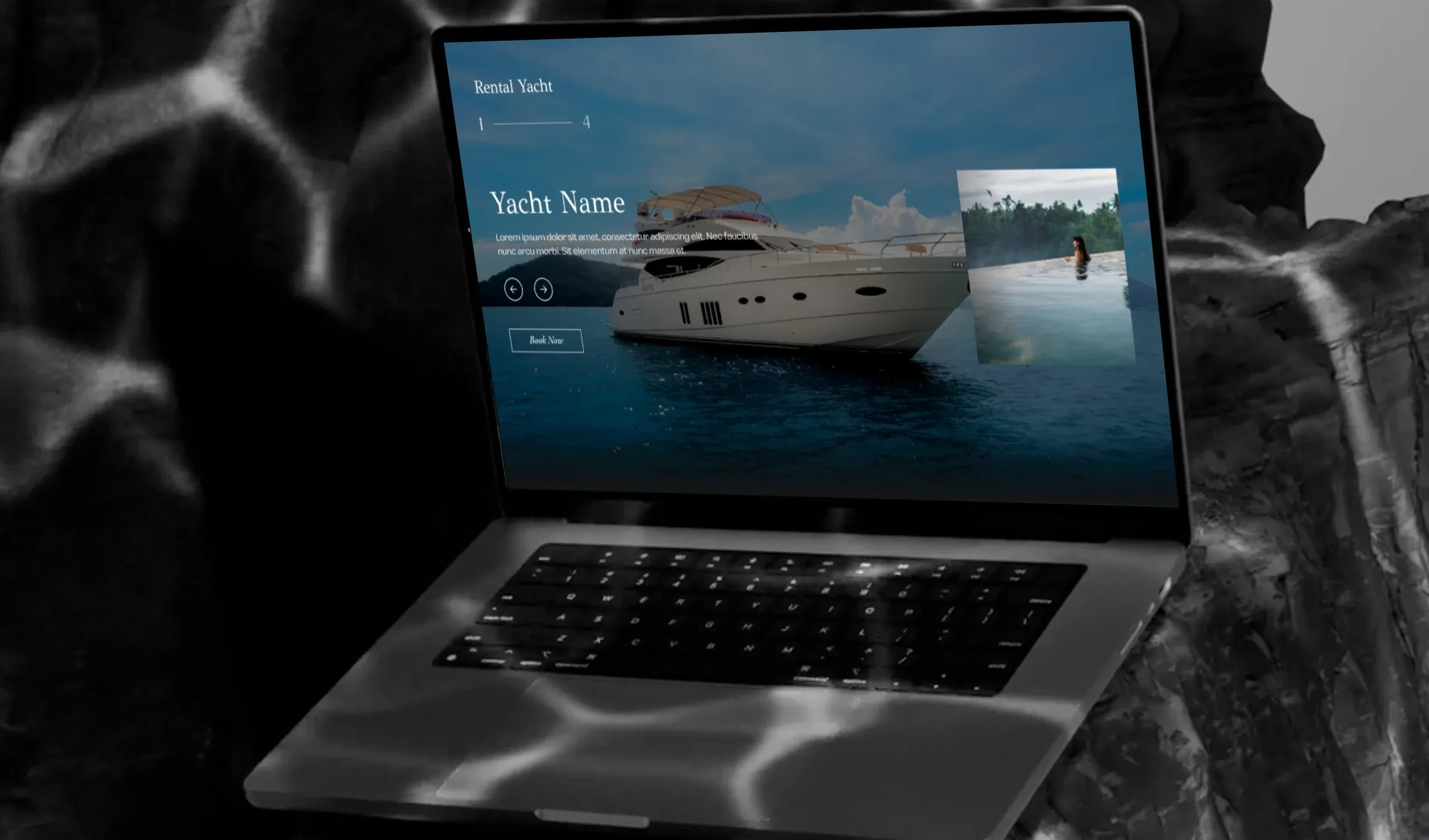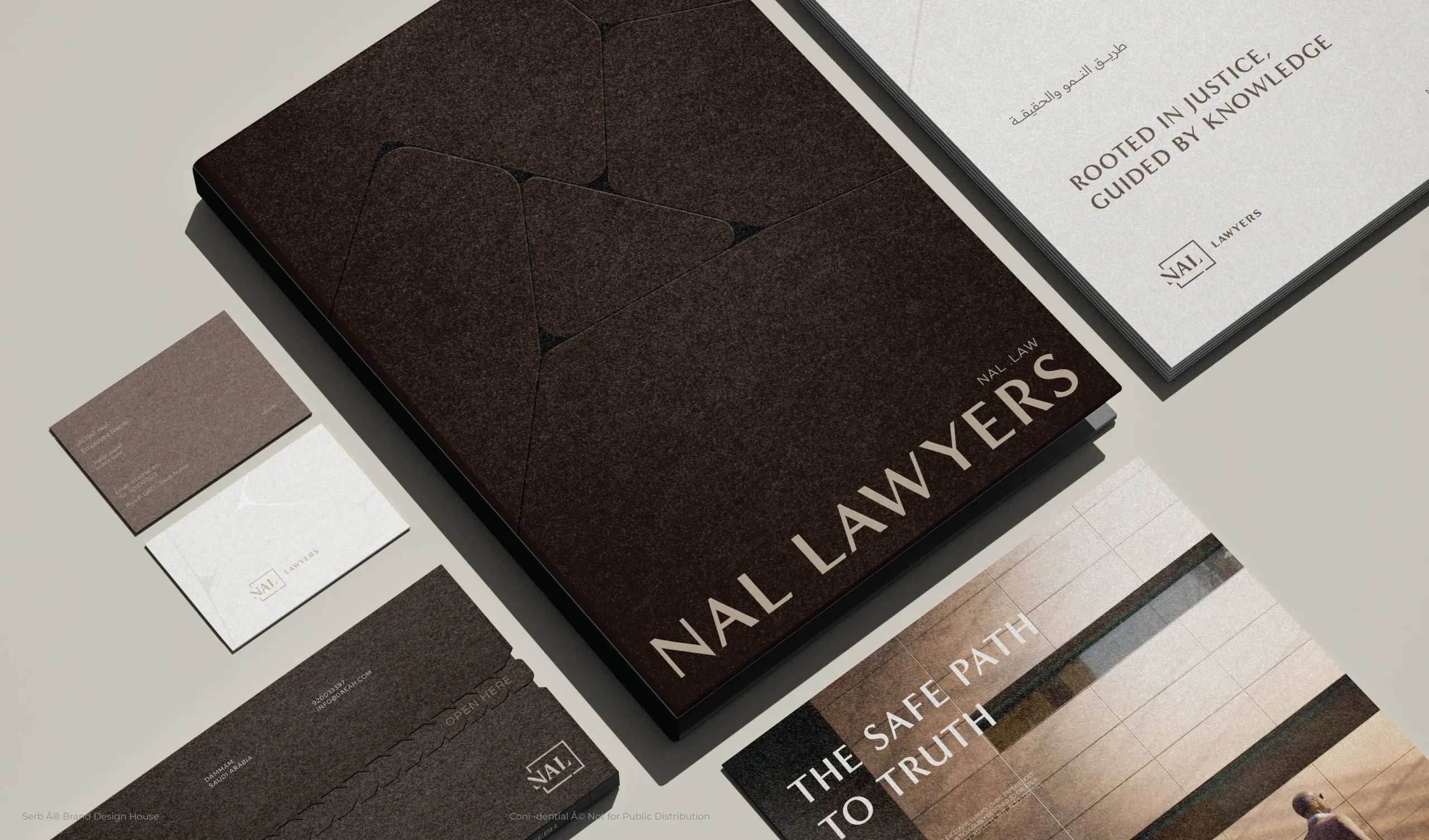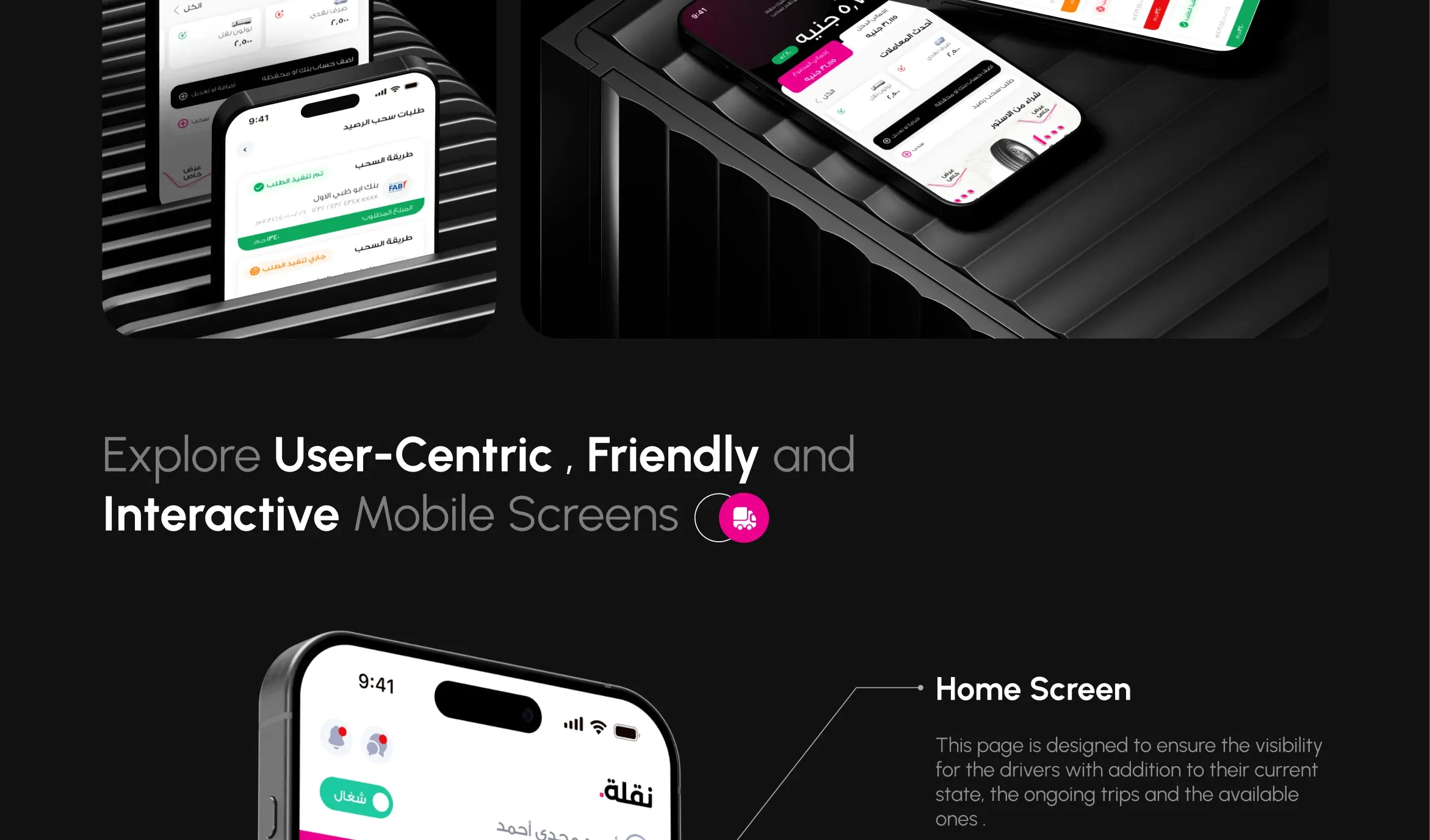
Most of the products I design are used in Arabic first: a trucking app for drivers in Egypt, a boutique hotel website for Saudi Arabia, a real estate platform in Qatar. And in almost every project, the first draft someone hands over is an English layout that has simply been flipped.
Flipping is a start, not a design. Right-to-left changes how the eye travels across a screen, which elements feel primary, and even how numbers and icons are read. When I design Arabic-first, the Arabic layout is the original and English is the adaptation, not the other way around.
Here is what that means in practice, and the details I check on every Arabic RTL UI design.
Start From the Reading Flow
In Arabic the eye starts at the top right, so that is where the most important information belongs: the screen title, the user's status, the main action. On the Naqla driver app, the driver's current state and ongoing trip sit exactly there, because a driver glancing at the phone in a truck cab should get the answer in one look.
Navigation follows the same logic. Back arrows point right, progress moves right to left, and sliders and carousels advance in the reading direction. If any of these still point the "English" way, the interface feels subtly wrong even when users cannot say why.
Typography Is Not a Translation
Arabic letters are taller and more detailed than Latin ones, so a type scale copied from English usually looks cramped. I give Arabic text more line height, avoid very thin weights at small sizes, and choose typefaces designed for Arabic from the start, such as Ge SS Two on Naqla or Arabic Jali on the Saudi Investment Company website.
Mixed content needs care too. Brand names, phone numbers and prices often stay in Latin characters inside Arabic sentences, and the layout has to keep them readable without breaking the line.
Numbers, Icons and the Things That Do Not Flip
Not everything should be mirrored. Google's Material Design guidance on bidirectionality and Microsoft's mirroring guidelines draw the same line I use in practice:
- Numbers stay left to right. Prices, phone numbers and dates read the same way in Arabic, so they must not be reversed.
- Directional icons flip, symbolic ones do not. Arrows and "next" chevrons mirror; a clock, a checkmark or a play button stays as it is.
- Media controls keep their meaning. A play button points the same way for everyone.
Test It With Arabic Readers
The fastest way to find RTL problems is to watch native Arabic readers use the prototype. They notice in seconds when a list feels upside down or a button sits on the "wrong" side. Designing Arabic-first takes a little more thought at the start, and it saves a lot of rework later.
Sources
- Bidirectionality & RTL, Material Design 3
- Mirroring, Microsoft Learn